
Turn Any Sound Into Something
Unique in Seconds
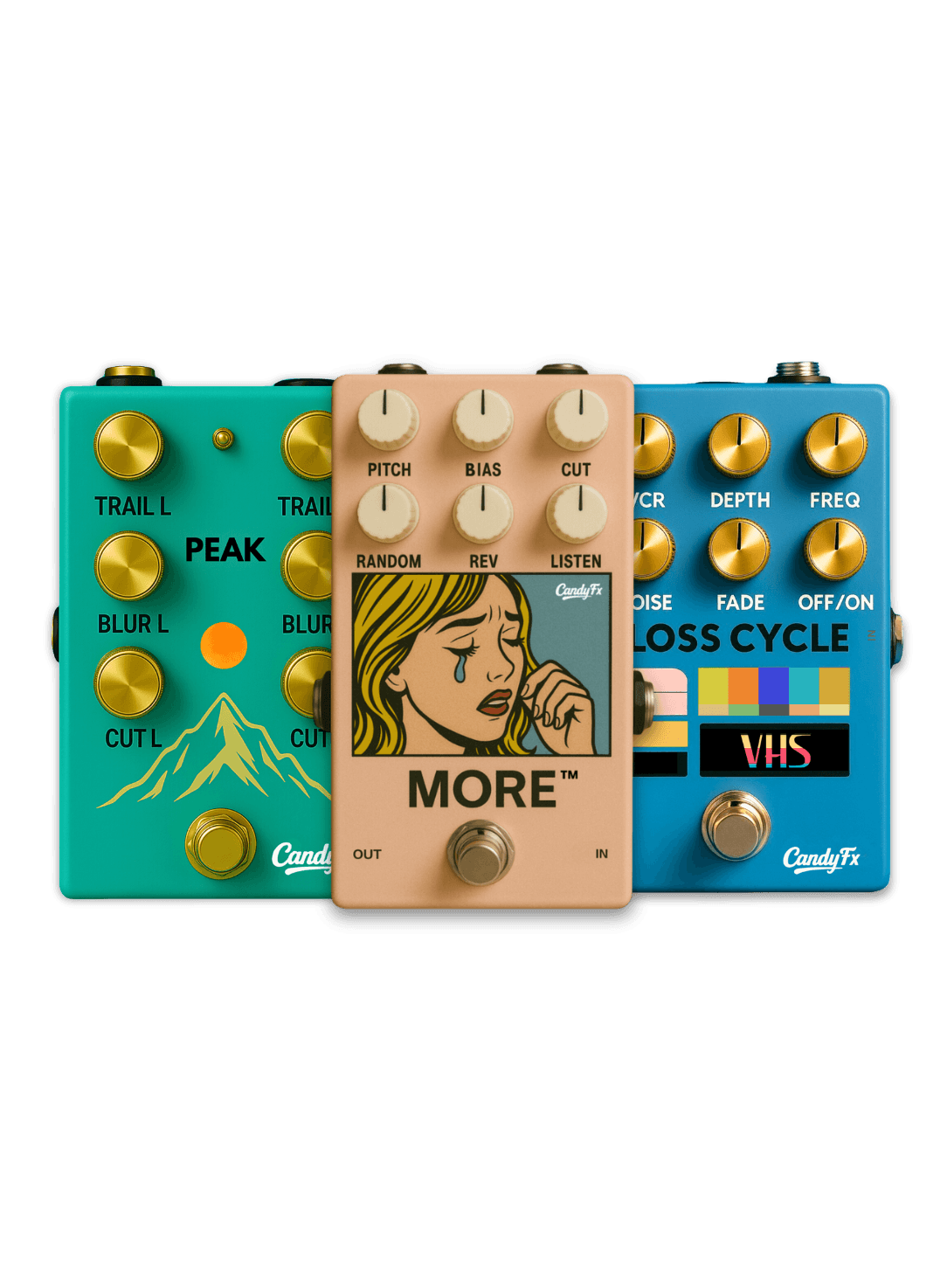
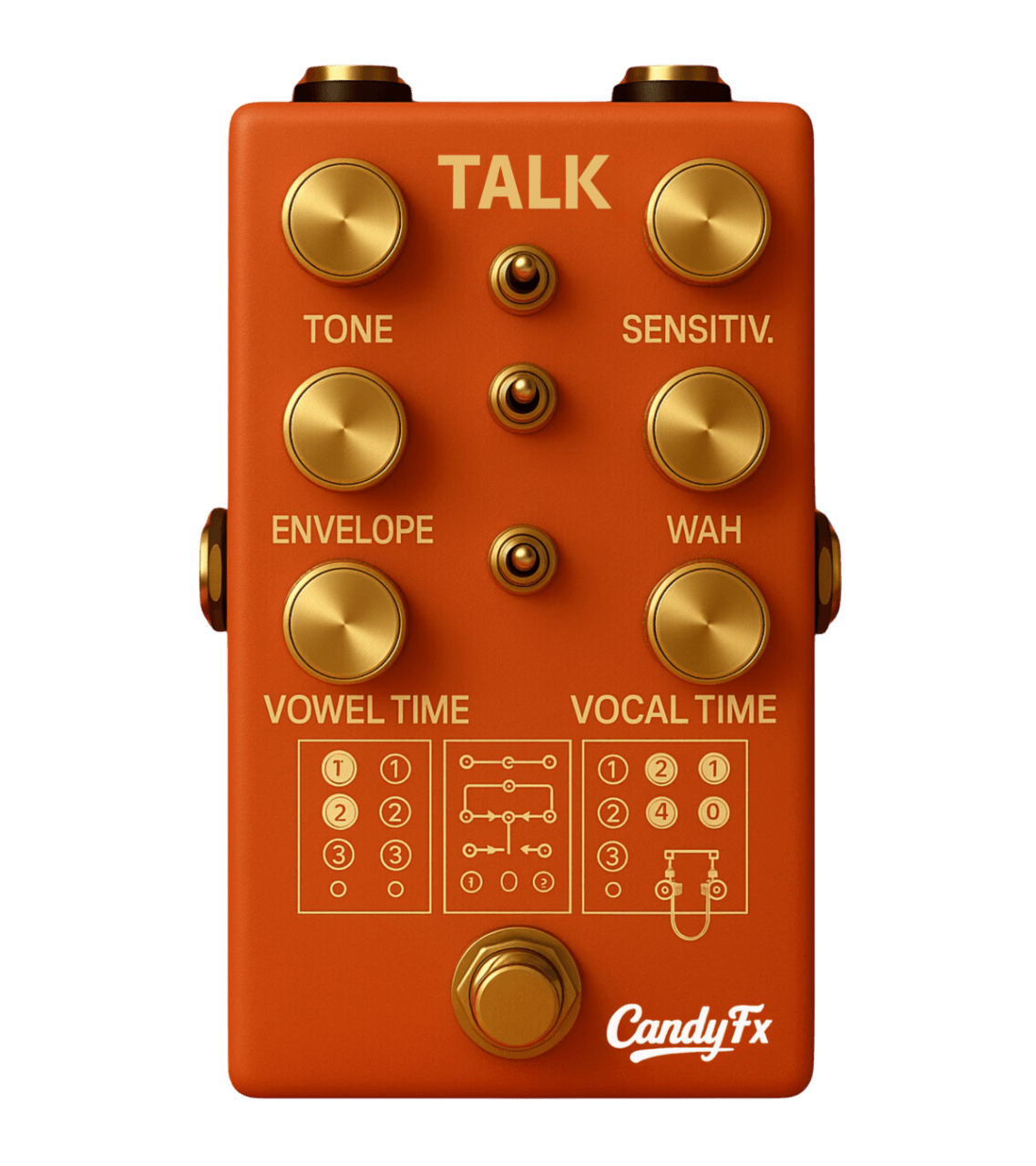
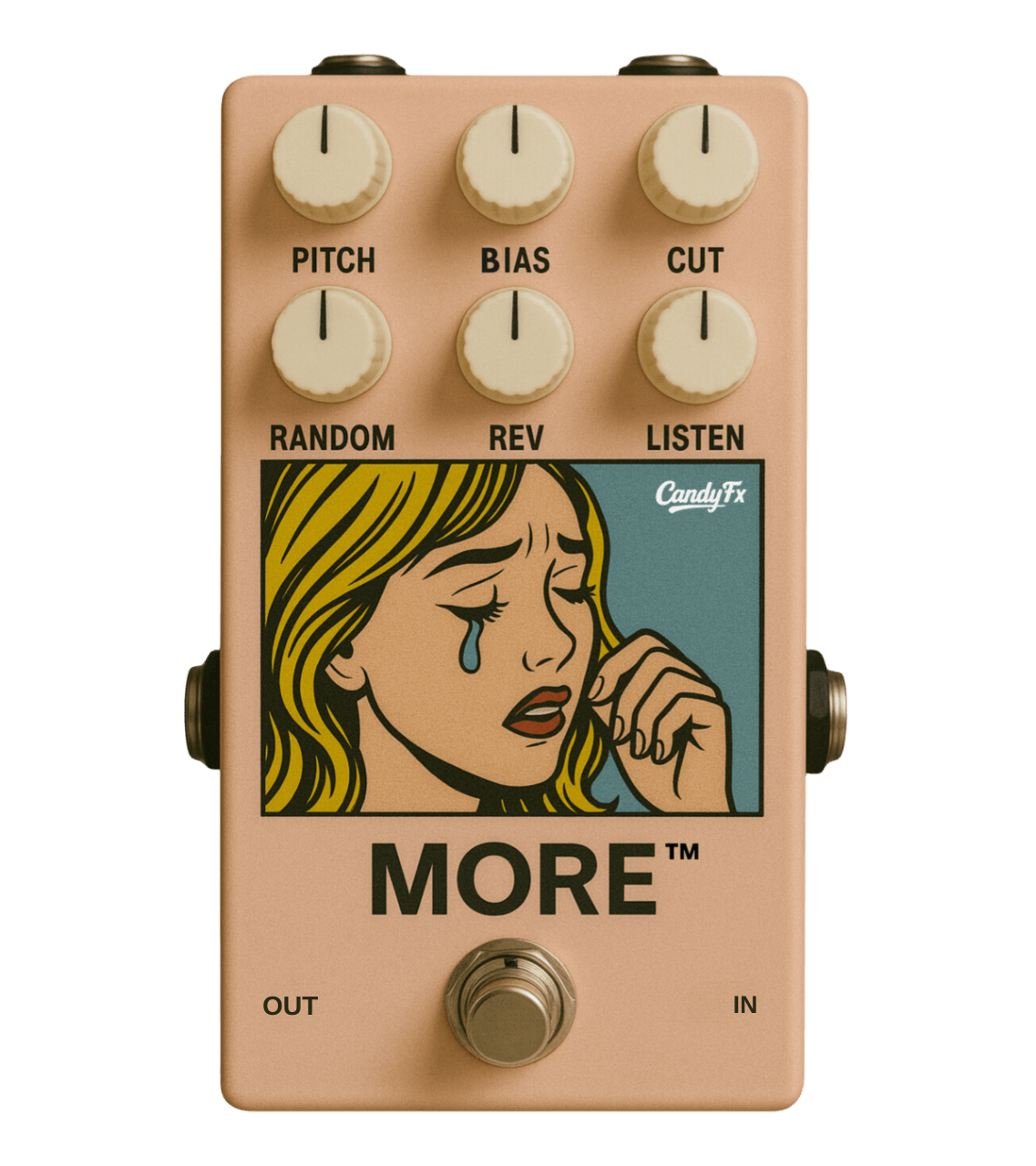
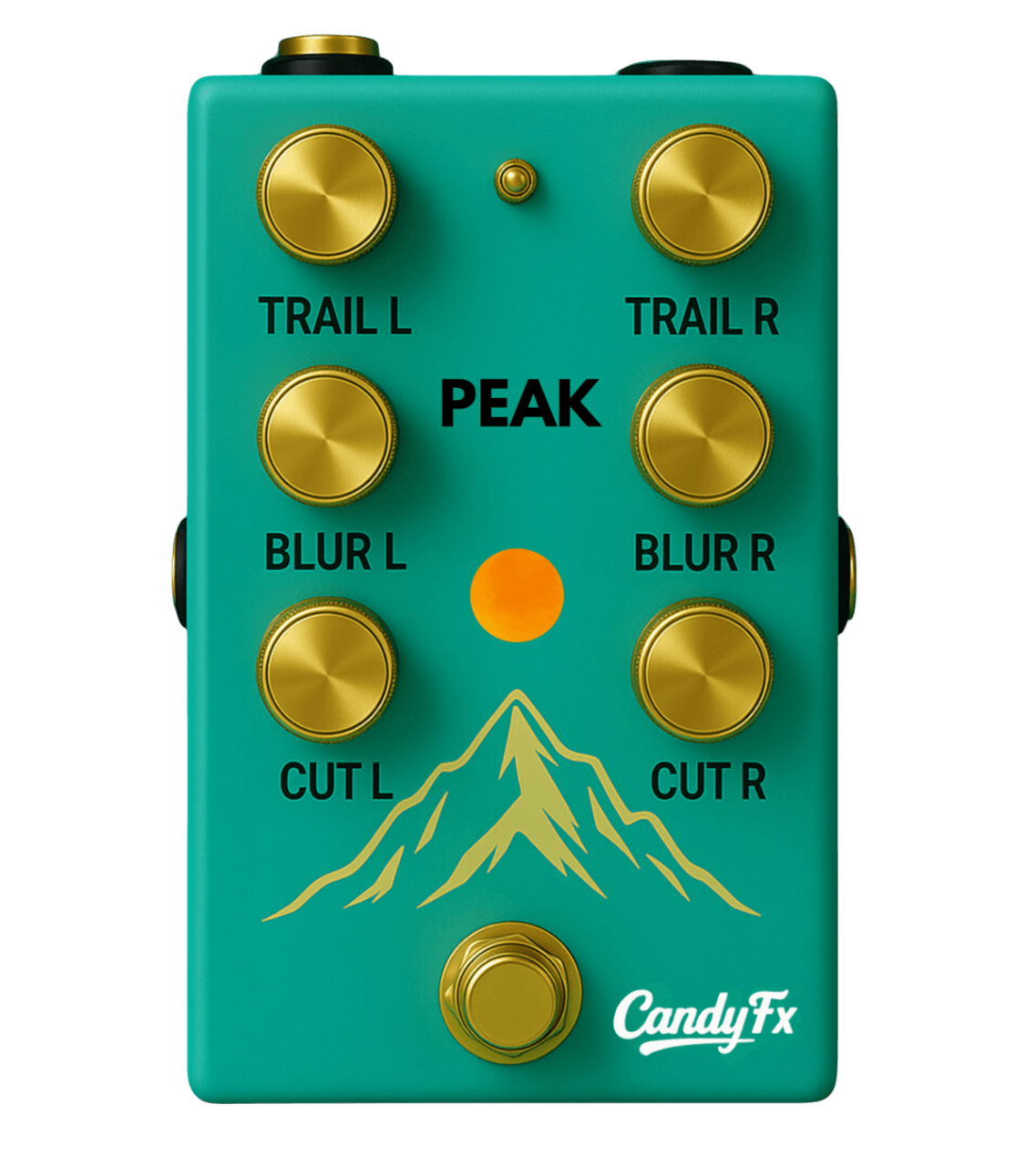
Enjoy full access to an entire suite of audio effects + frequent new releases. An ever growing library featuring autonomous micro-loopers, random algorithm driven delays, pitch shifting reverbs, MIDI sketchpads and much more.
Compatible with Windows & Mac, and most DAWS like: Ableton, FL Studio, Logic, Reaper, Studio 1, and more. No hidden installers, no DRM nonsense, just drag, drop, and create.
All The CandyFX Plugins. One Simple Subscription.
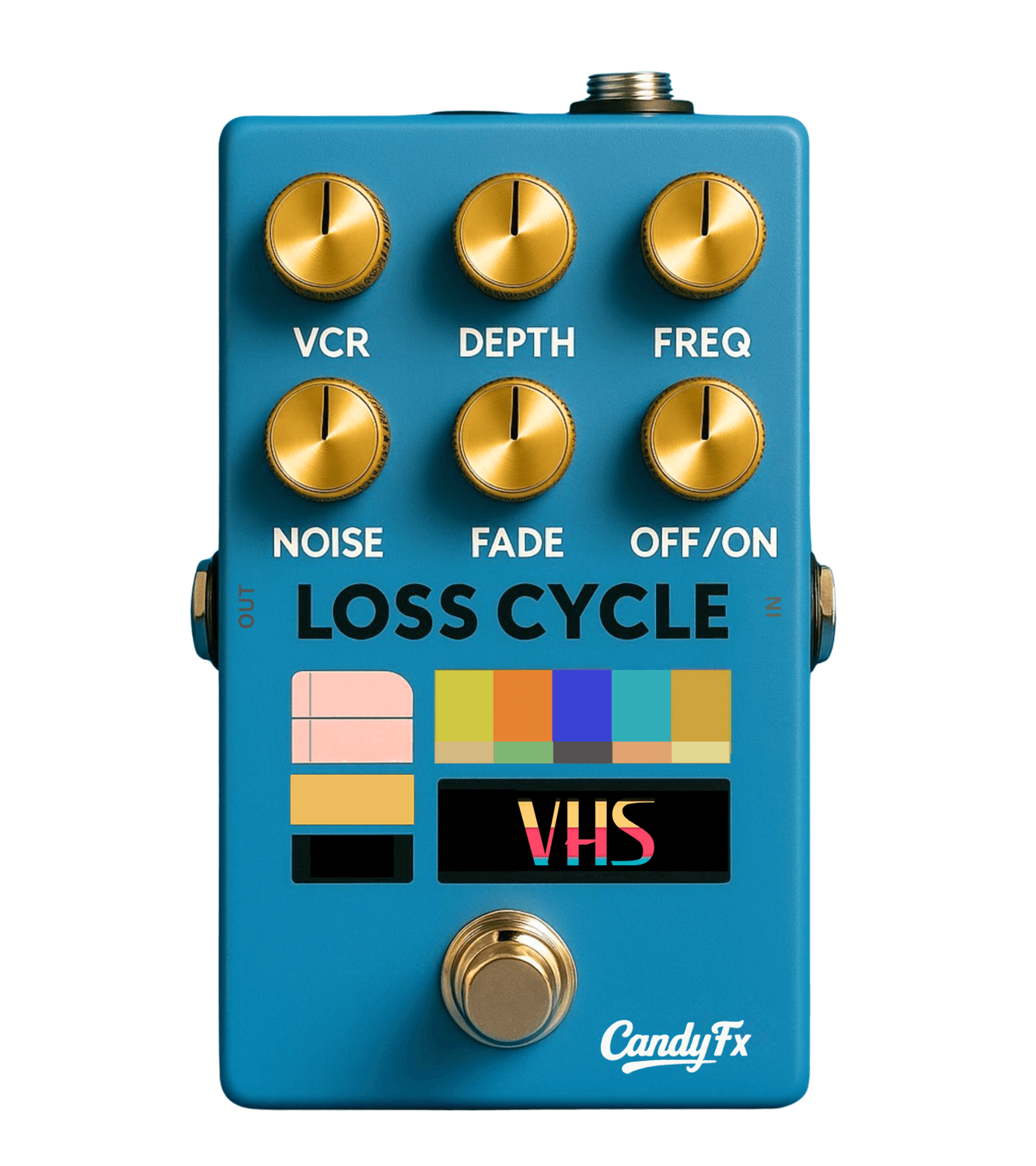
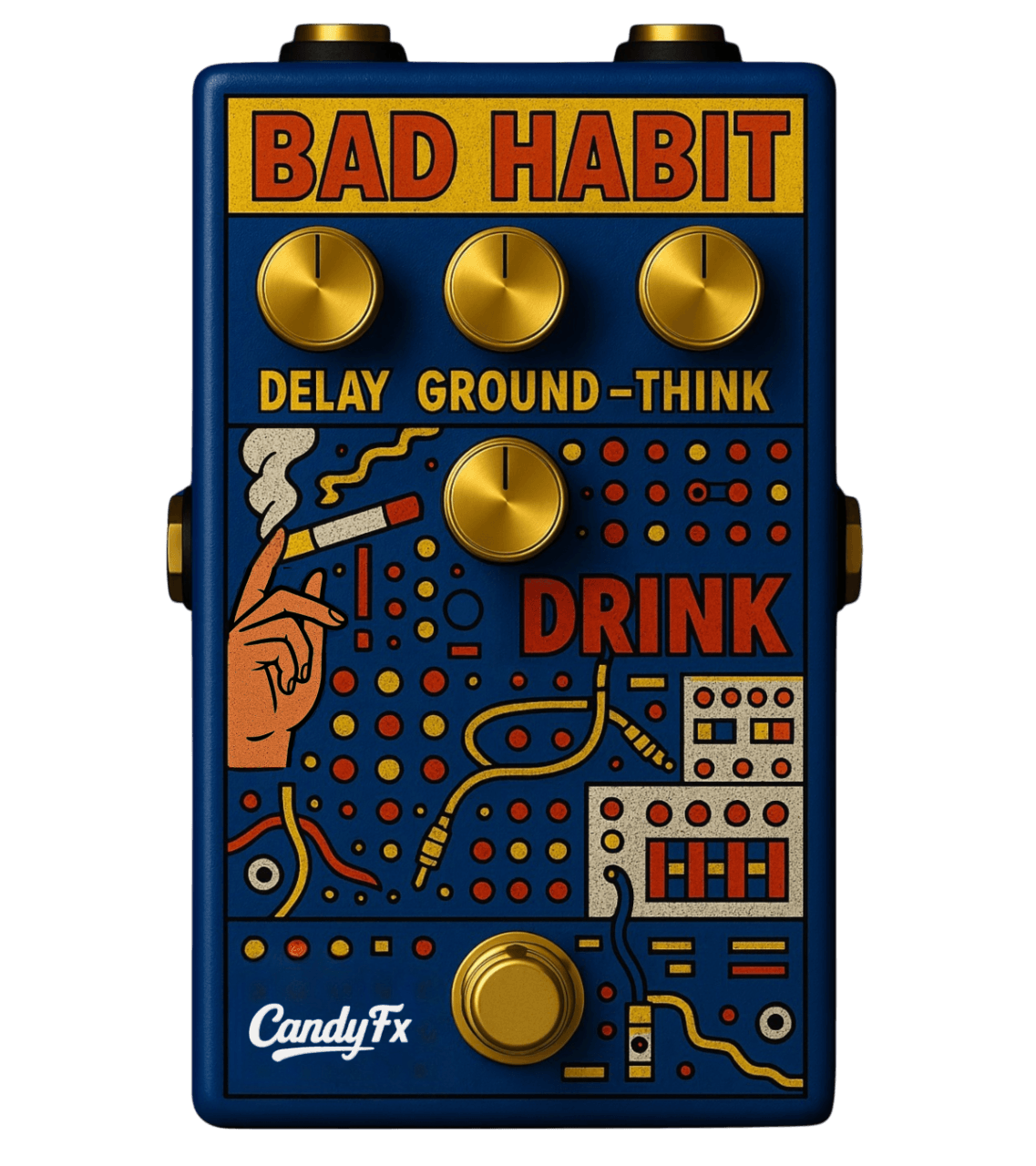
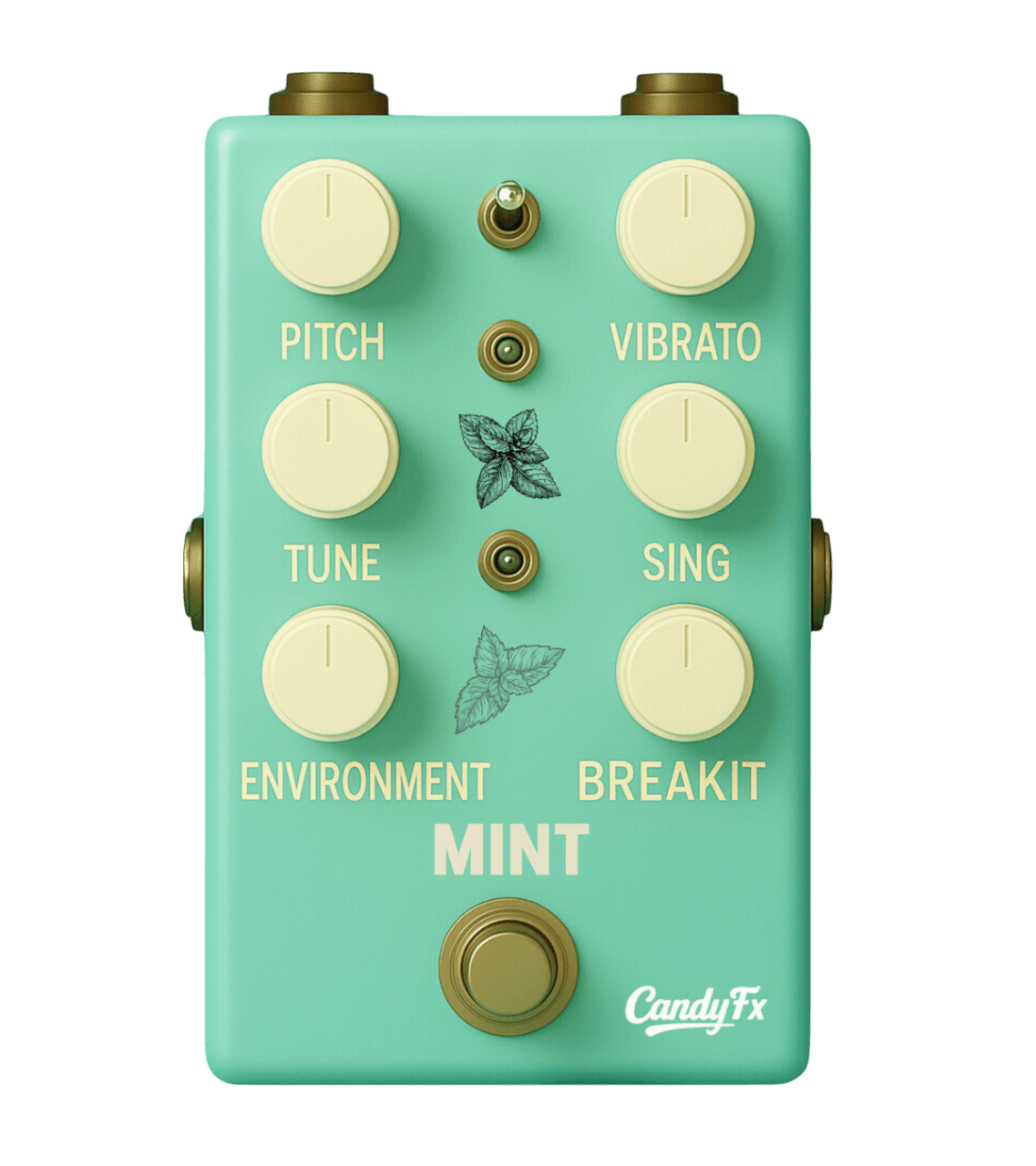
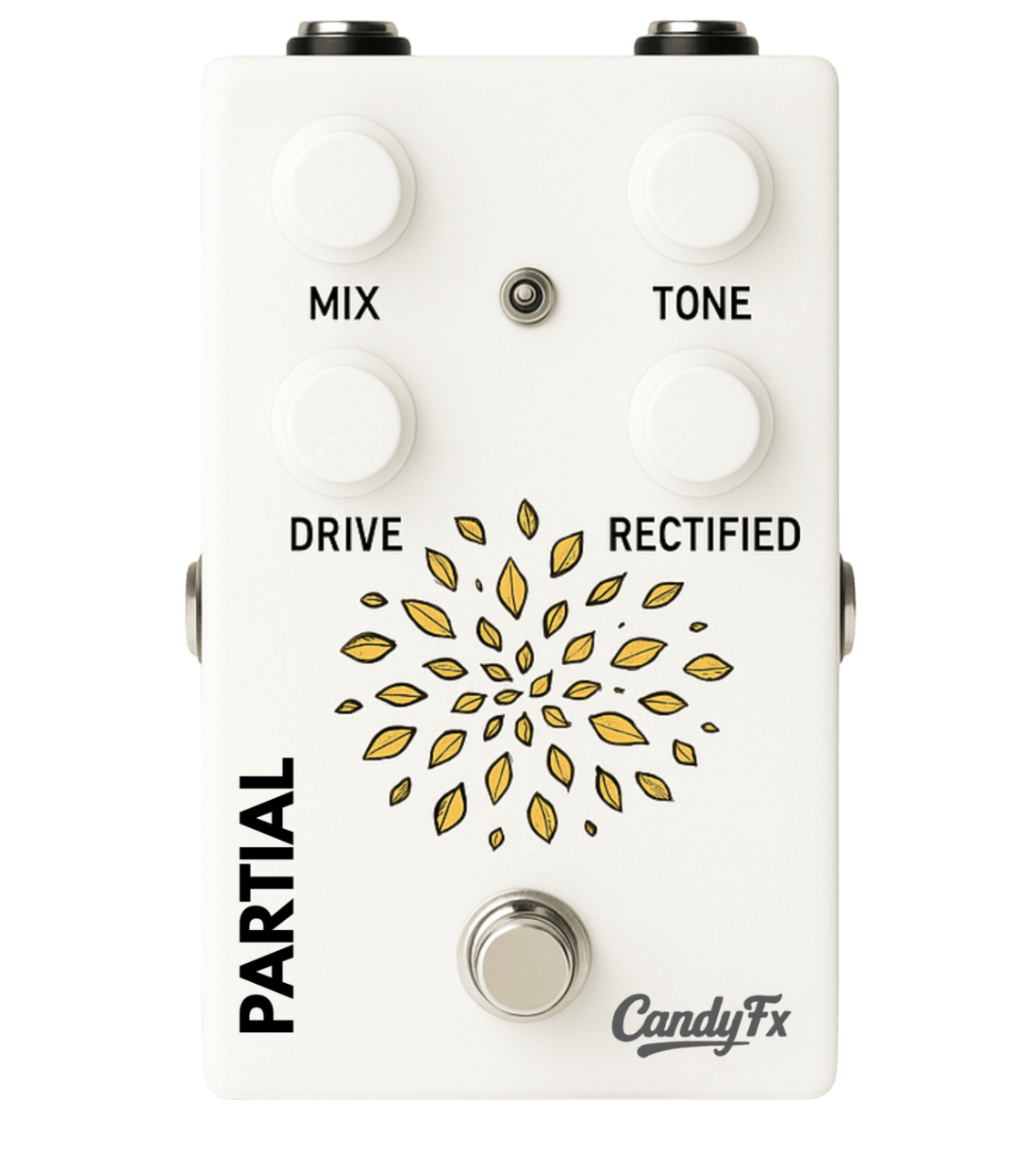
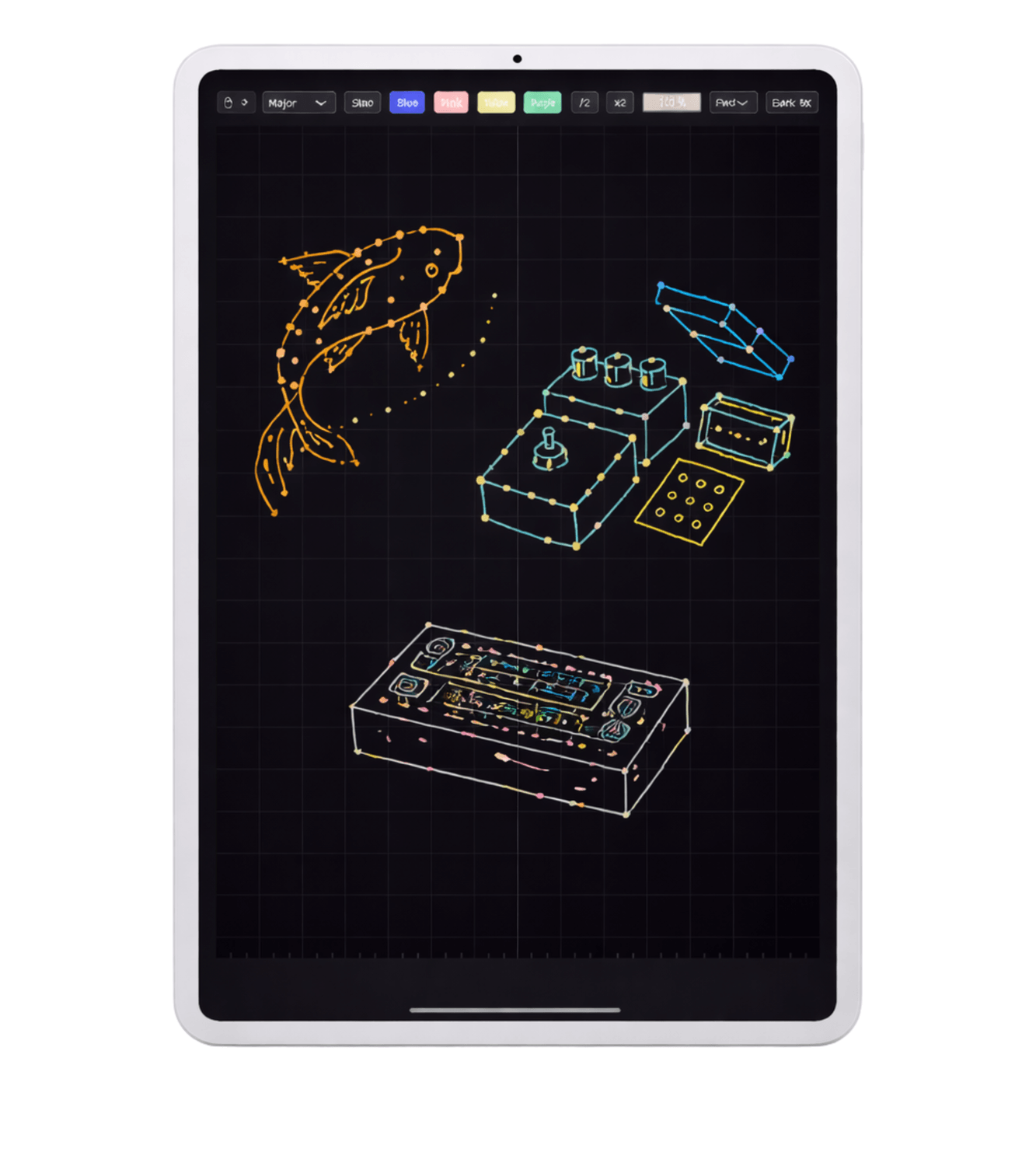
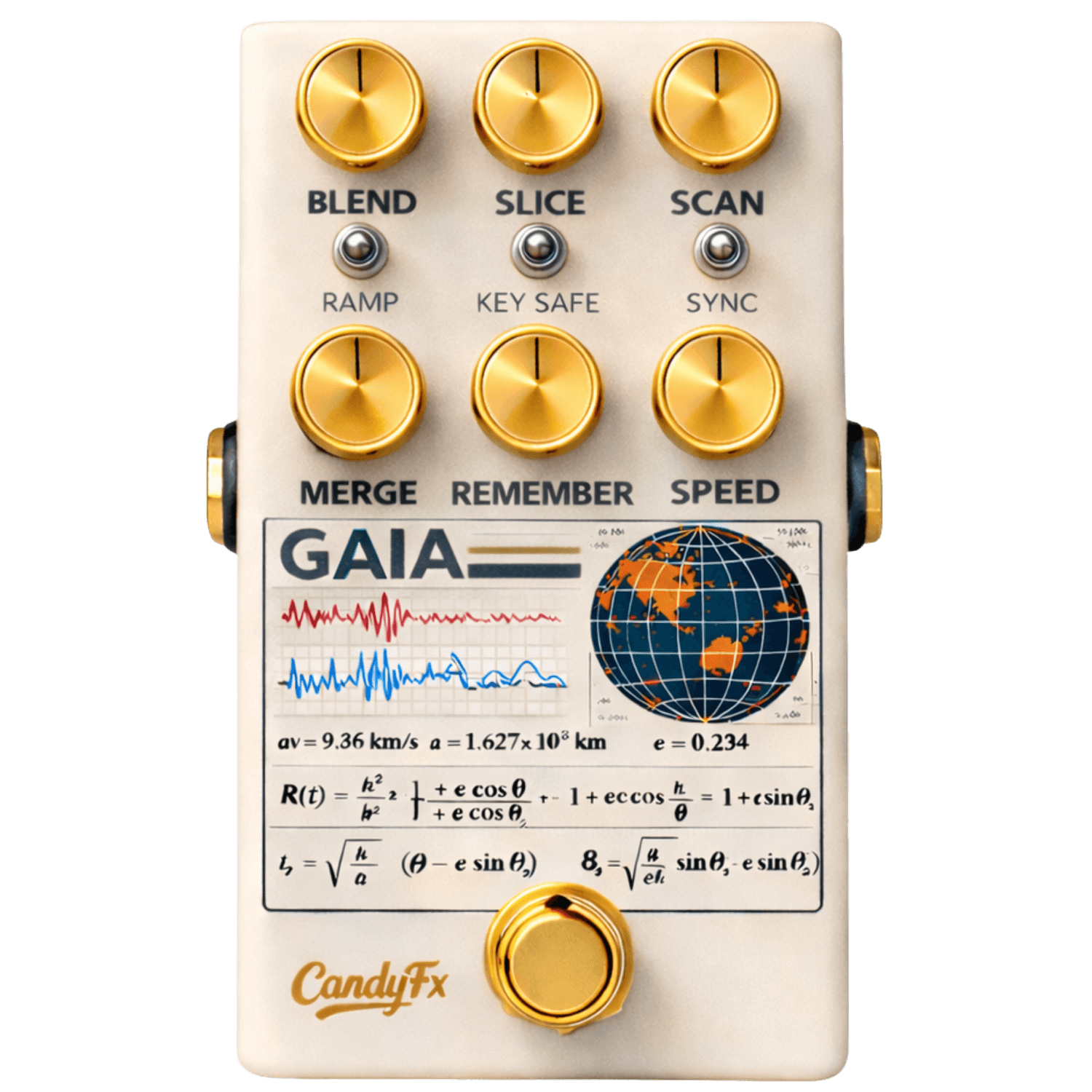
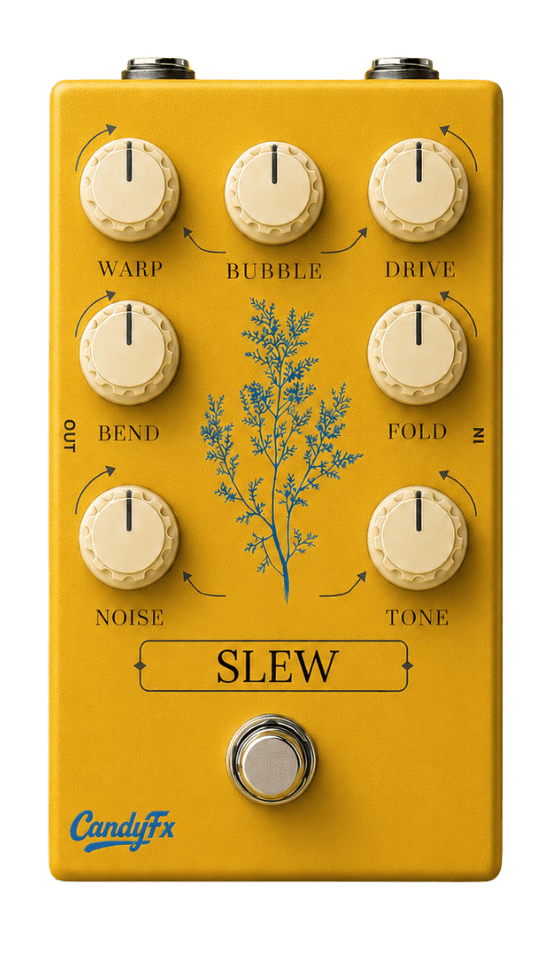


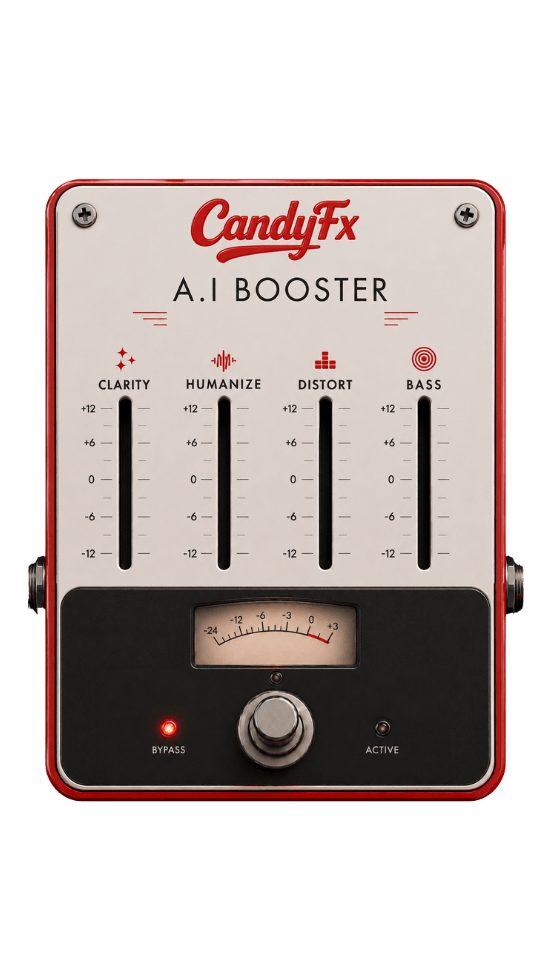
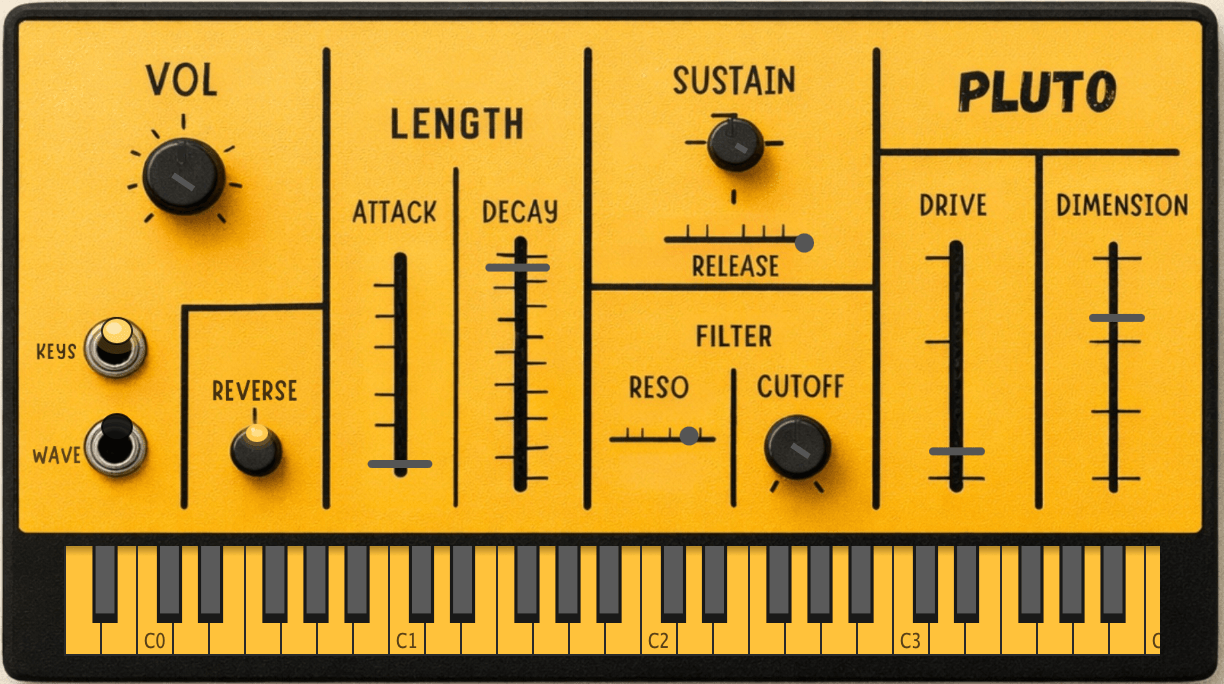
COMING SOON
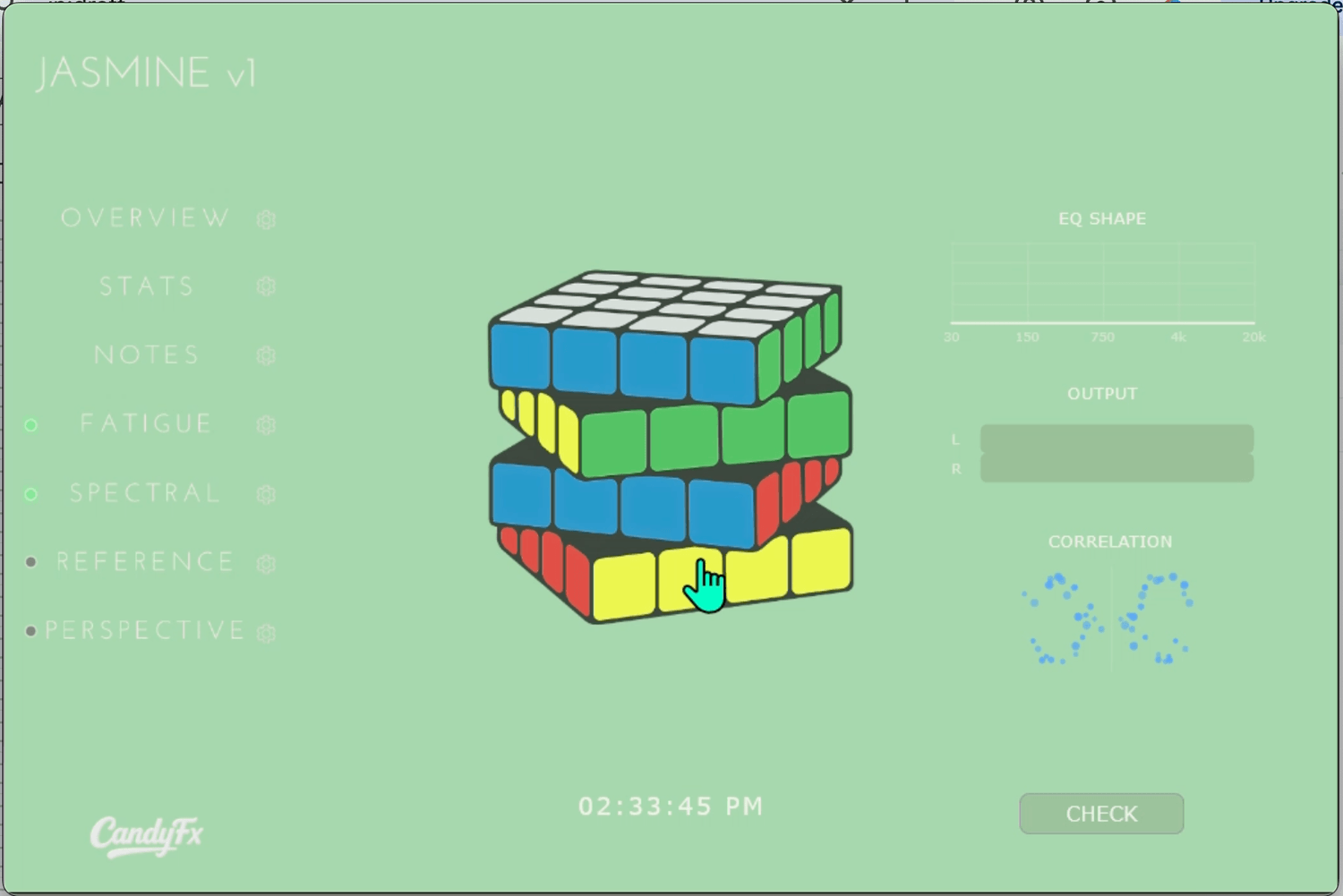
COMING SOON
FAQ
What DAWs are supported?
CandyFx plugins are compatible with DAWs that support VST3 or AU formats, including Ableton Live, FL Studio, Logic Pro, Reaper, and more.
They are not compatible with Pro Tools / AAX.
Are the plug-ins compatible with both Windows and macOS?
Yes. Our plugins are compatible with both Windows and macOS, including Intel and Apple Silicon processors.
System Requirements
macOS 11+
Older macOS versions may function, but are not officially supported.
Windows 10+
Memory:
4 GB RAM minimum
8+ GB RAM recommended
What makes your plugins different from others?
We design plugins that think and react in real time, using complex DSP algorithms to create results that feel more creative, spontaneous, and alive.
Do they support automation?
Yes. All of our plugins support full DAW automation
Can I use the plug-ins in a live setting?
Yes. All of our plugins feature full MIDI support, making it easy to assign parameters to a MIDI controller or foot switch.
How do I install your plugins?
Simply unzip the "CandyFx" folder and drag its contents into your plugin folder(s).
Windows:
C:\Program Files\Common Files\VST3
Mac:
/Library/Audio/Plug-Ins/VST3
/Library/Audio/Plug-Ins/Components
How do I uninstall your plugins?
Simply delete the VST3 and AU component folders from your system.
How do I unlock the plug-in?
Enter the serial number that was sent to you via email. If you need help locating your serial, contact support at cs@candyfx.com.
How many machines can I activate on?
The CandyFx collection can be activated on up to 2 computers per license.
What happens when I unsubscribe?
Your subscription provides access to the full CandyFx collection while active.
If the subscription ends, plugin access is paused until renewed.
The plugin doesn’t look high-resolution in Ableton Live?
Right-click the plugin device and deselect “Auto-Scale Plug-In Window.”
I’m getting “TA” file errors — what do I do?
Make sure the .DAT and .DLL files are placed next to the plugin file.
If the issue persists, contact us at cs@candyfx.com.